
Weltrade TradingView 2026: Free Pro-Grade Charts, MT5 Time Sync and Cross-Device Layouts
A 2026 guide to Weltrade TradingView: free professional charts hosted by the broker, EET time synced to the MT5 server, Charts Sync across devices, and how the analysis-and-execution split works.
Plenty of brokers say they “support TradingView.” Far fewer put professional-grade TradingView charts directly on their own website, free, aligned to their live server clock, and with a way to carry your saved layouts between devices. Weltrade TradingView does all three, and this 2026 guide walks through exactly what you get, how the analysis-and-execution split works, and who benefits most.

What Weltrade TradingView Actually Gives You
Weltrade hosts a full TradingView charting environment on its own site. In the broker’s own words, TradingView “allows you to analyze strategies and create your own” with “professional-grade indicators on mobile and desktop platforms.” The charts cover forex, commodities, stocks and an economic calendar, and they are available without a Weltrade account.
That last detail matters more than it sounds. You can open the charts, mark up a setup and decide whether Weltrade’s instruments suit your strategy before you hand over a single piece of personal information. Open the Weltrade TradingView charts and judge the tooling for yourself first.
Professional Charts, Free, Without Leaving the Broker
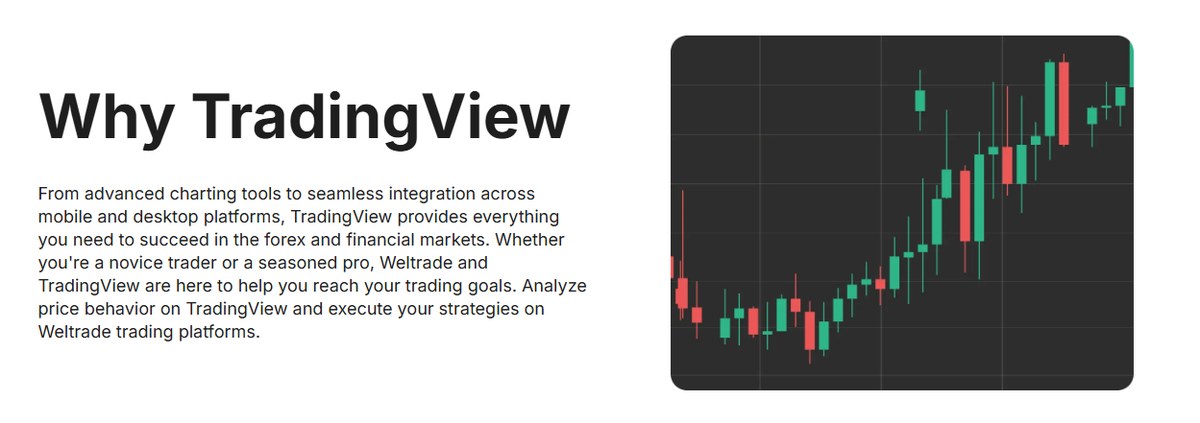
Weltrade is explicit on cost: advanced TradingView charts are available free on its website, with the full TradingView feature set living on TradingView’s own charts page. So the free tier here is not a stripped-down demo widget with three timeframes — it is the real charting engine, indicators included.
For a trader who would otherwise pay for charting or juggle two accounts, that is a genuine saving. It also removes a small but real friction: with Weltrade TradingView your analysis and your broker sit on the same domain, so checking a level does not mean opening a second service and re-finding your instrument.
Analyse on TradingView, Execute on Weltrade
This is the part worth being precise about, because it is easy to over-promise. Weltrade describes the arrangement plainly: “Analyze price behavior on TradingView and execute your strategies on Weltrade trading platforms.”
In other words, TradingView is the analysis layer and MetaTrader 4, MetaTrader 5 or the Weltrade mobile app is the execution layer. You are not routing orders to your Weltrade account from inside a TradingView chart. If that specific workflow is non-negotiable for you, know it upfront.
What you get instead is a clean division of labour: the best-in-class charting tool for reading the market, and MetaTrader — battle-tested, automation-friendly — for putting the trade on. For most traders that split is not a compromise; it is how they already work.
Chart Coverage: Forex, Commodities, Stocks and the Calendar
The charts hosted by Weltrade track market data across asset classes — forex, commodities, stocks and an economic calendar sit in the same environment. That breadth is what turns the charts page from a single-instrument widget into somewhere you can actually run a session.
Being able to flip from a currency pair to gold to an index inside Weltrade TradingView without changing tools keeps a cross-market thesis intact. If you trade dollar strength, you want to see it in EURUSD, in gold and on the calendar at the same time, not across three tabs.
EET Time Zone Synced to the Weltrade MT5 Server
Here is the detail most brokers never bother with, and it is quietly the most useful thing on the page. The chart time zone is set to Eastern European Time (EET) with automatic Daylight Saving Time adjustments, to align with the Weltrade MT5 server time.
Anyone who has traded a session open knows why this matters. When your chart clock and your broker’s server clock disagree, your daily candles close at a different moment than your broker thinks they do, your swap timing looks wrong, and backtested session levels stop lining up. Weltrade removing that mismatch by default — including the DST shift, which is where most manual setups break — saves a category of error that is genuinely hard to debug.
It is a small engineering decision that signals the charts were set up by people who trade, not just by a marketing team embedding a widget. See the Weltrade platform line-up to check which server your account would sit on.
Charts Sync: Your Layouts on Every Device
The second standout feature of Weltrade TradingView is Charts Sync, which carries your saved chart layouts and templates across browsers and devices. The flow is four steps:
- Log in to your Weltrade Personal Cabinet.
- Copy your unique TradingView ID Key from the TradingView Chart in the Analytic Hub.
- Paste the key into the Charts Sync box.
- Your TradingView templates then load on any browser or device.
If you have ever rebuilt the same set of moving averages, trendlines and alert levels on a laptop because your setup lived on the desktop at home, you already understand the value. Chart layouts are a real investment of time, and a trader who keeps their templates consistent makes more consistent decisions. Charts Sync turns that from a chore into a one-time key paste.
Exceptional Charting and a Full Range of Order Types
Weltrade highlights TradingView’s execution-side tooling too: the platform “empowers you with multiple flexible and powerful trading options,” from one-click trading through to a wide range of order types, with real-time data feeding the charts.
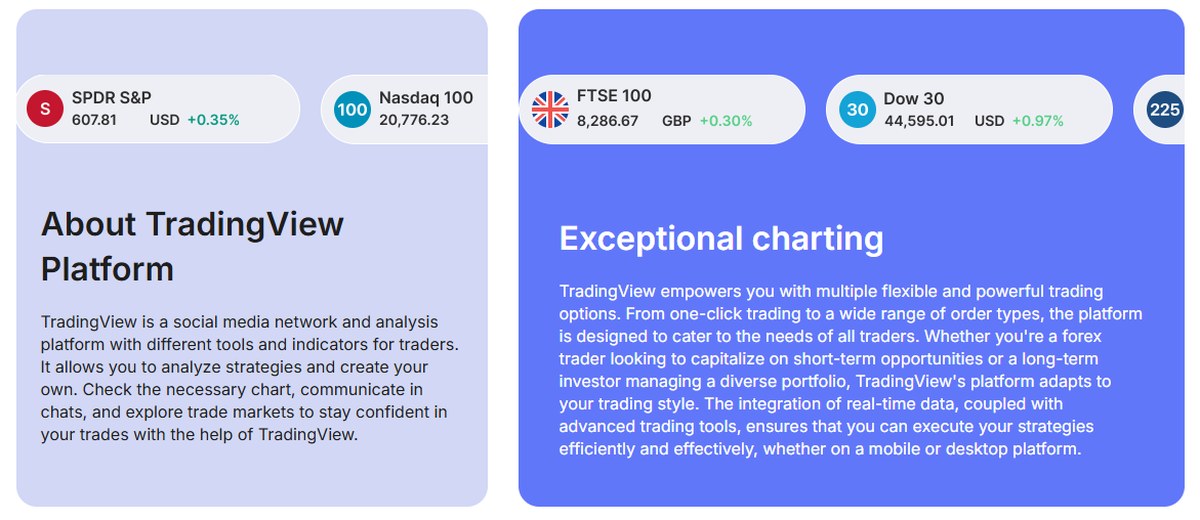
TradingView is also, as the broker notes, a social network as much as an analysis tool — you can publish ideas, read other traders’ charts and discuss setups in chats. Used with a critical eye, that community layer is a fast way to see how other people are reading the same structure you are. Used uncritically, it is noise. The tool is good; the discipline is yours.
All-Round Analytics for the Research Before the Trade
Beyond drawing on charts, the analytics side covers the research a decision actually rests on: in-depth market research, comparing the performance of different financial instruments, and assessing broader market trends and conditions.
This is where newer traders get disproportionate value. The gap between a beginner and an intermediate trader is rarely the indicators — it is whether they checked the wider context before clicking buy. Having that research sitting in the same place as the chart makes the good habit the easy one.
Weltrade TradingView on Mobile and Desktop
Weltrade TradingView is described as working across both mobile and desktop, with professional-grade indicators available on each. Combined with Charts Sync, that gives a workable two-device routine: build and refine your layouts on a desktop where the screen space is, then carry the identical view to your phone for monitoring.
Pair that with the Weltrade mobile app for execution and the loop closes without a laptop in sight. Register a Weltrade account to link the charts to a live trading profile.
Who Gets the Most From Weltrade TradingView
Three groups get the most out of Weltrade TradingView.
- Technical traders who already live in TradingView and want a broker whose chart clock matches their broker clock out of the box.
- Multi-device traders who split their day between desk and phone — Charts Sync is aimed squarely at them.
- Traders still evaluating Weltrade, since the charts are open before registration and give a free look at the instruments and data quality.
The one group that should look carefully first is traders who specifically want to place orders from inside a TradingView chart. That is a different feature from what is described here, and it is better to check that expectation than to assume it.
Regulation, Risk and Restricted Countries
Weltrade is registered in the Republic of South Africa (Registration No. 2019/334947/07, registered in Johannesburg) and holds Financial Services Provider Intermediary Licence No. 50691, Category I — Intermediary Services in respect of Derivative Instruments, issued by the Financial Sector Conduct Authority. You can verify the licence number directly with the regulator.
An FSCA intermediary licence is real supervision, but it is worth understanding what it is and is not: it is a South African authorisation, not an FCA, ASIC or CySEC retail licence, and it does not bring an EU- or UK-style statutory compensation scheme. Weltrade also states it has served the market for 20 years and currently serves over 60,000 traders across 20+ countries.
Restricted jurisdictions. Weltrade states its services are not available to residents of the United States, Canada, the United Kingdom, European Union member states, the Russian Federation, Belarus, India, Iran and North Korea, nor to anyone caught by international (UN/US/EU/UK) sanctions or FATF restrictions, nor in any territory where such services are prohibited by local law.
Risk warning. In the company’s own words: CFDs are complex instruments and come with a high risk of losing money rapidly due to leverage. A substantial majority of retail traders lose money trading CFDs. Consider whether you understand how CFDs work and whether you can afford the high risk of losing your money.
Final Verdict on Weltrade TradingView
Judged on what it actually is — a free, professional TradingView charting environment hosted by the broker, clock-aligned to the MT5 server, with layout sync across devices — this is one of the better analysis setups a mid-sized broker offers. The EET/DST alignment and Charts Sync are the two features that separate it from a generic embedded widget, and both solve problems traders otherwise solve manually and badly.
The honest limitation is that analysis and execution live in different places: you read the market in TradingView and trade it in MetaTrader or the Weltrade app. State that plainly and the offering still holds up well. For a technical trader who works across a desktop and a phone, Weltrade’s charting setup is worth an hour of your time to try, and it costs nothing to look.